Dyyak Dmitriy
CEO Atmosphere-fx

At Atmosphere-FX, we combine creative direction, interactive content, and technical production under one roof. The result — seamless projects that look stunning, run flawlessly, and engage audiences on every level.
The Universal Translator: How We Use TouchDesigner to Tame Complex Hardware
In the world of immersive events, "complexity" is usually just a polite word for "chaos."
A modern installation isn’t just a video screen anymore. It’s a kinetic sculpture moving in sync with music; it’s a lighting rig that reacts to a CEO’s heartbeat; it’s a laser system triggered by a motion sensor.
The problem? These devices speak different languages. The lights speak DMX, the motion sensors speak Python, the sound system speaks OSC, and the motors speak Serial.
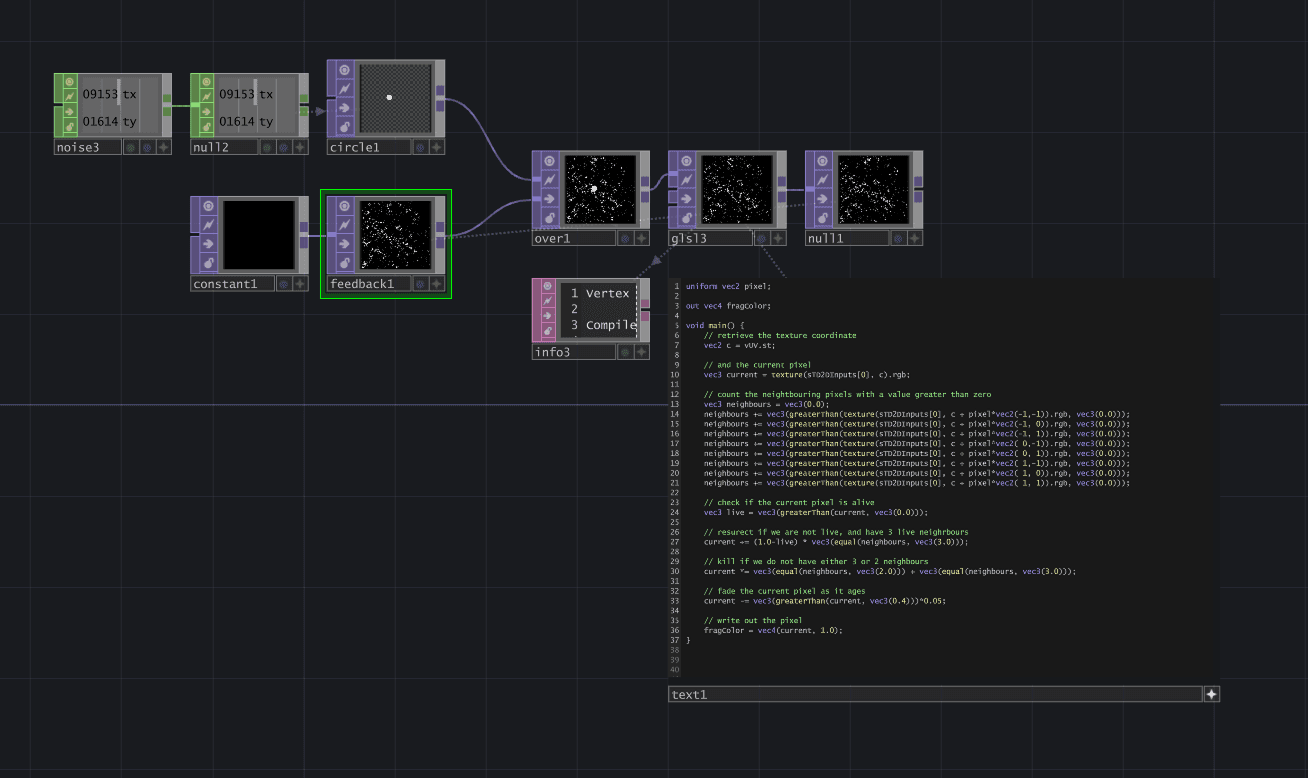
At Atmosphere-fx, we use TouchDesigner to act as the "universal translator" that bridges these gaps. It is the central nervous system of our most ambitious technical setups. Here is how it helps us solve the impossible.
1. It Speaks Every Language
The biggest hurdle in hardware integration is compatibility. A high-end laser projector doesn’t naturally know how to talk to an Xbox Kinect sensor.
TouchDesigner solves this by supporting virtually every communication protocol used in the AV industry—and beyond.
The "Glue": We can take data from a database (JSON), convert it into light intensity (DMX), and simultaneously trigger a sound effect (OSC).
Hardware Agnostic: It doesn't matter if you have a legacy projector from 2010 or a cutting-edge LIDAR scanner. If it sends data, TouchDesigner can read it, process it, and use it to control something else.
2. Visualizing the Invisible
When a cable is loose or a sensor is glitching, finding the problem in a traditional coding environment involves staring at lines of text. In a high-pressure setup environment, that is too slow.
TouchDesigner acts as a visual debugger.
Seeing the Data: We don't just see code; we see the actual data flowing through "wires" on the screen. If a sensor stops sending data, we see the wire stop moving instantly.
Rapid Troubleshooting: This allows our technicians to pinpoint hardware failures in seconds rather than hours, ensuring that rehearsals run smoothly and the show starts on time.
3. Real-Time Calibration for Complex Shapes
Projection mapping onto a flat wall is easy. Mapping video onto a moving car, a rotating sphere, or a jagged building facade is a mathematical nightmare.
TouchDesigner allows us to build custom calibration tools for specific hardware setups.
Vioso & Scalable: We can integrate with auto-calibration cameras to blend multiple projectors seamlessly.
Custom Warping: If a physical stage piece is built slightly off-spec (which happens often), we can warp and mask the content in real-time within TouchDesigner to fit the reality of the physical space perfectly.
4. Automation & Show Control
For many events, we need to trigger a sequence of events perfectly: Lights dim -> Video starts -> Motor lifts product -> Laser fires.
Instead of relying on four different operators hitting buttons at the same time, we build a custom "Show Control" dashboard in TouchDesigner.
One Button to Rule Them All: We give the show caller a single interface. When they press "GO," TouchDesigner sends the command to the lighting console, the video server, and the motor controller simultaneously.
Safety Logic: We can program safety checks (e.g., "Do not fire the laser if the motion sensor detects a person in the danger zone"), making complex setups safer for everyone.
The Bottom Line
We use TouchDesigner because it allows us to stop worrying about how to connect things and start focusing on what we want to create. It turns a room full of disconnected gadgets into a single, cohesive, living organism.
Have a complex interactive idea involving sensors, lights, or robotics? We have the infrastructure to make it work. Let’s talk.